
When a dedicated senior phone is the right call
Be honest about these three situations. (1) They've never used a smartphone and don't want one — a big-button flip phone with loud speakers and real keys is a kindness, not a compromise. (2) They need a hard-limited device — only certain calls in or out, nothing else — which some purpose-built senior phones enforce at the device level. (3) There's no iPhone in the picture and no one nearby to set one up. In those cases, buy the simple device without guilt.
What switching devices actually costs
A new device usually means a new learning curve — different buttons, different sounds, different charging — often a new plan or subscription, and sometimes a new number. If the family lives on iPhones, it can also mean losing FaceTime, which is frequently the only video calling an older adult already knows. And there's the quiet cost: for a parent who's proud of "having an iPhone like the grandkids," a special phone can feel like a demotion.
The other path: keep the iPhone, lower its volume
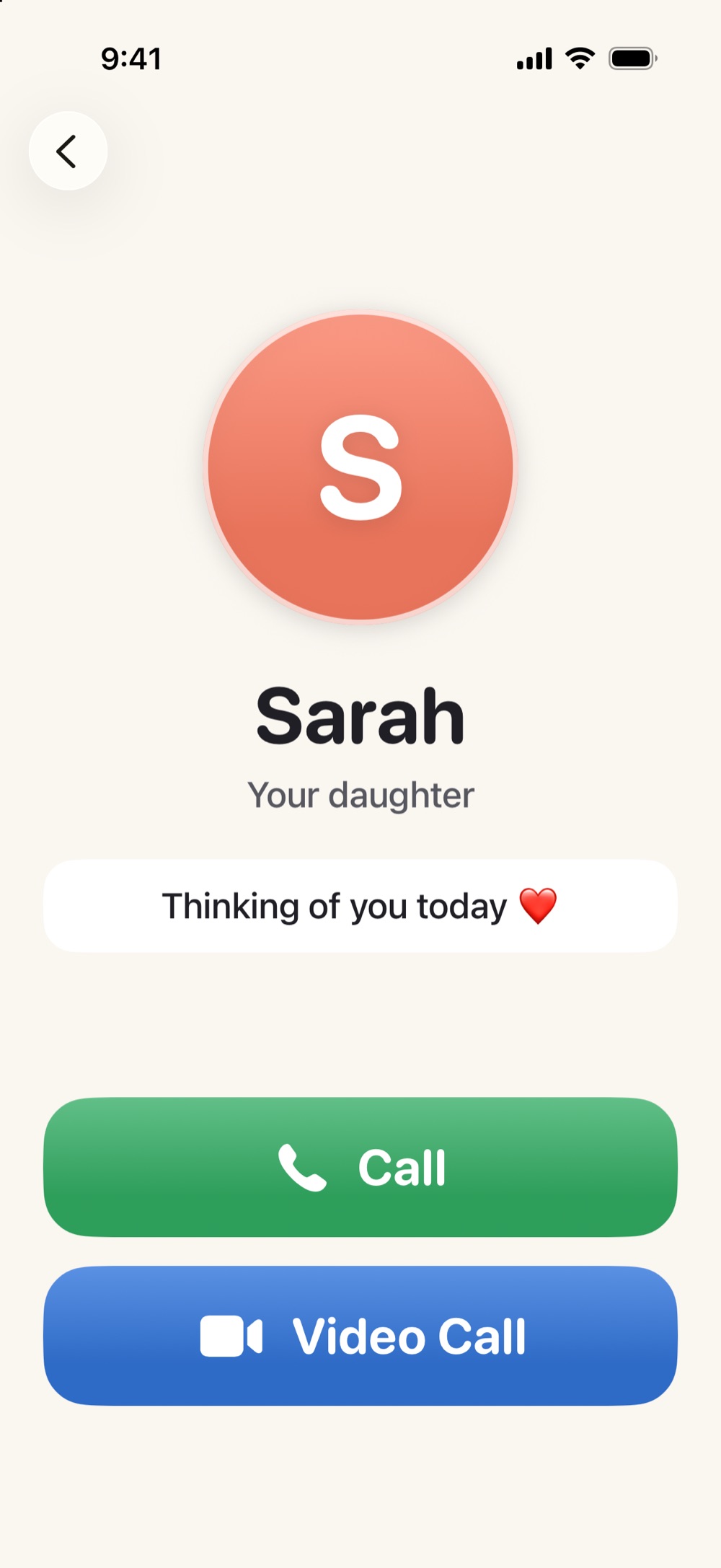
If they have an iPhone, you have three escalating moves before any purchase. First, settings: bigger text, zoomed display, a decluttered home screen — our nine-step guide covers them in twenty minutes. Second, Apple's built-in Assistive Access ("senior mode") can simplify the entire phone into a few big choices — powerful, with real trade-offs we cover honestly. Third, the middle path: Simple Phone Helper gives them one calm home screen — family as big faces, one-tap calls and FaceTime, a Help button, magnifier and read-aloud tools — while the rest of the iPhone stays itself. A family member sets it up and updates it remotely, which is the same promise that makes caregiver-managed senior phones appealing — without replacing the phone.
A five-question decision checklist
(1) Do they already own an iPhone they can answer and use? If no — lean dedicated device. (2) Is FaceTime with family part of their life? If yes — lean iPhone. (3) Is the core problem vision/hearing/clutter, or is any choice at all overwhelming? The first points to a calmer iPhone; the second may point to Assistive Access or a hard-limited device. (4) Is there family who can spend one setup hour (even remotely)? If yes — the iPhone path is realistic. (5) Would they feel proud or embarrassed carrying a "senior phone"? Their dignity is a real spec. Weigh it like one.
Give them a calm place on the phone they already own
Simple Phone Helper is coming soon to the App Store. Join the launch list and we'll email you the day it's ready.
Join the launch listFAQ
What is the simplest phone for an elderly person?
If they've never used a smartphone, a big-button flip phone is usually simplest. If they already use an iPhone, the simplest phone is often that same iPhone with the volume turned down on its complexity — bigger text, a decluttered screen, and a calm one-tap home base for calling family.
Can an iPhone be as simple as a senior phone?
It can get close, and it keeps FaceTime and everything they already know. iPhone settings and Assistive Access simplify the device itself, and a family-managed home screen app adds the one-tap, picture-first calling that senior phones are known for.
Do senior phones work with FaceTime?
FaceTime runs only on Apple devices, so dedicated senior phones and tablets use their own video-calling systems instead. If the rest of the family is on iPhones, keeping your parent on an iPhone is the only way video calls stay plain FaceTime for everyone.